
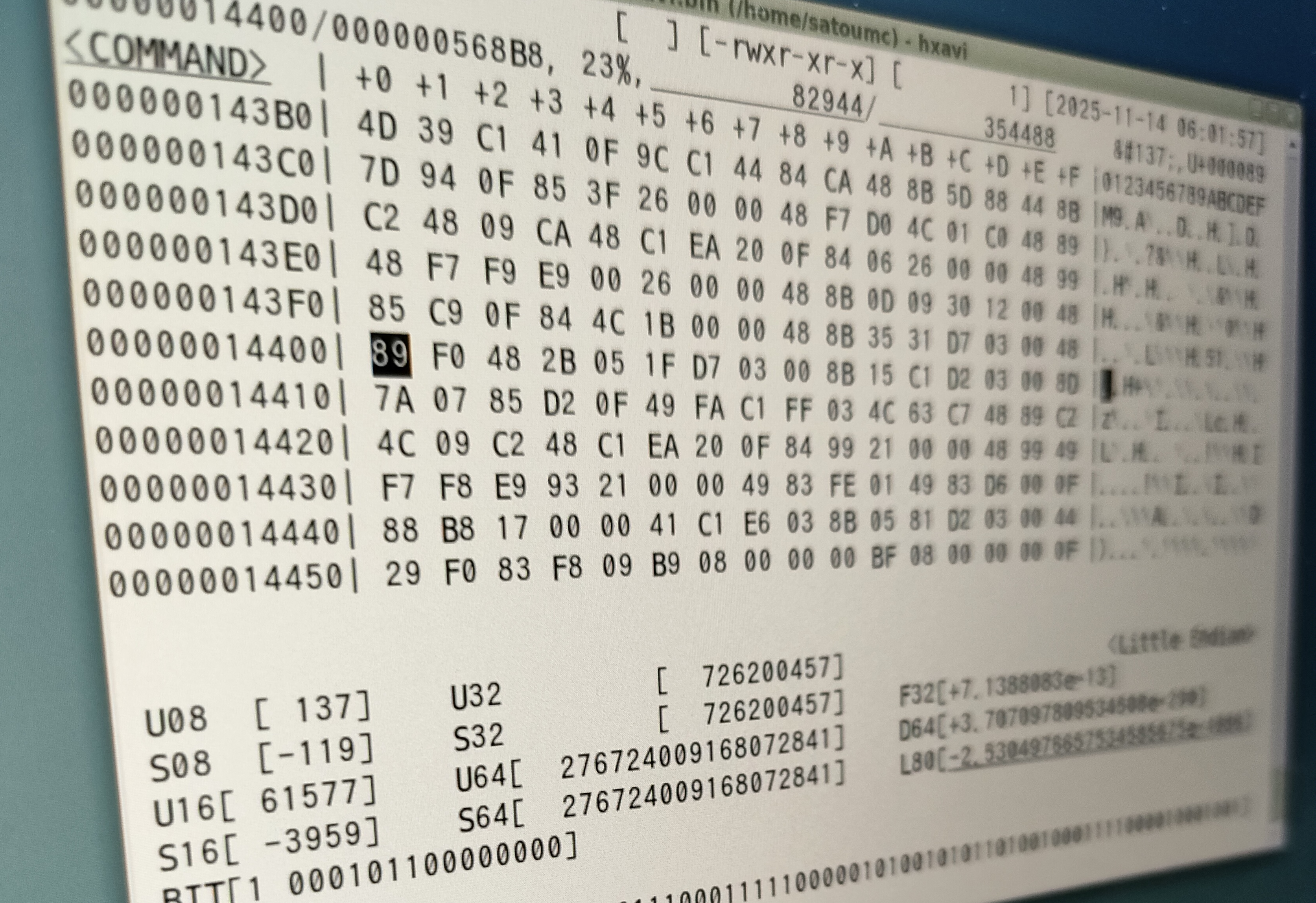
hxavi
A binary editor for vi and Vim users
2026-03-09
Overview
Hxavi is a lightweight binary editor for Unix-like systems developed using ncurses. It runs on Linux and FreeBSD and is characterized by its simple operation and high responsiveness.
Main Features
Open source and free to use / modify
It has almost the same usability as vi and has low learning costs.
Supports data insertion / deletion / overwriting / search
Unlimited undo / redo
Huge files can be viewed and overwritten
Ncurses-based so it works in most terminal environments
Works on both Linux and FreeBSD
Key Functions
01
It has almost the same operability as vi, allowing you to move the cursor, scroll the screen, insert, delete, and append data, and overwrite data. When inserting, appending, or overwriting data, you can enter either hexadecimal or text.
02
It has almost the same operability as vi, and allows you to search for data. You can easily input both hexadecimal numbers and text.
03
As long as there is free memory, the editing history will be maintained, allowing unlimited undo/redo. If the free memory is used up, you will not be able to continue editing, but you can continue working by saving the file and restarting the program.
04
You can also use the option (-b) to check and overwrite the contents of huge files (up to 16 TiB) that exceed the available memory size. (In this case, editing is only possible by overwriting. Insertion, deletion, and appending are not possible.)
05
You can check the distribution of data values (what percentage of each data value between 0x00 and 0xFF) in a graphical histogram, which is helpful when analyzing data whose content or format is unknown.
06
A graphical ByteMap view is available, which gives an overview of the distribution of each data. This helps with data analysis by visually revealing data regularity and other characteristics. For example, it is relatively easy to find the existence of fixed-length records.
07
Text input/display/search supports multiple encodings for text data.
utf-8, utf-16le, utf-16be,
iso-8859-1,
euc-jis-2004, shift_jis-2004, iso-2022-jp-2004
08
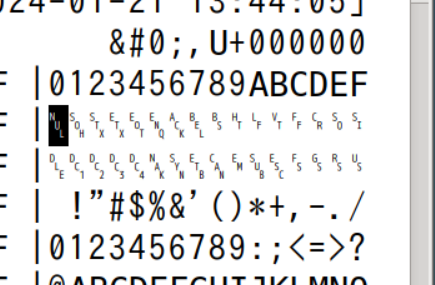
In the text field, control codes (0x00 to 0x1F, 0x7F) are displayed separately.
09
You can view help and online manuals while the program is running.
10
You can display, search, and write binary data in decimal (integers, floating-point numbers). Big-Endian is also supported. You can also edit floating-point numbers bit by bit.
11
If the data is uncompressed bitmap data, such as a binary bmp file, the contents can be viewed visually and editing is possible, albeit very simply.
12
The screen size can be enlarged or reduced even during operation (minimum size: 80 columns x 24 lines).
13
It has a function to link with text input environments (fcitx, ibus) that will terminate the IME's multibyte input mode when text input ends.
14
Options that change the behavior of the editor can be controlled with the :set command, and these options can be saved in the .hxavirc file in your home directory.
License
It is provided under the so-called 2-clause BSD license. This program is intended to be useful, but comes with no warranty. Copyright is reserved, but you are free to use and modify it.
Download
Binary Files
Below is the binary package for FreeBSD.
<How to install>
su
pkg install hxavi-*.pkg
exit
hxavi

<How to uninstall>
su
pkg delete hxavi
exit
Below is the binary package for Linux (Ubuntu).
<How to install>
mv hxavi_*.deb /tmp/
cd /tmp
sudo apt install ./hxavi_*.deb
hxavi

<How to uninstall>
sudo apt remove hxavi
Source Files
The installation method is the same for both Linux (Ubuntu) and FreeBSD. The OS type will be automatically recognized.
<Linux (Ubuntu)>

<How to install>
(sudo apt install gcc)
(sudo apt install make)
sudo apt install libncurses-dev
tar zxvf hxavi-*.tar.gz
cd hxavi-*
make hxavi
sudo make install
hxavi

<How to uninstall>
cd hxavi-*
sudo make uninstall

<FreeBSD>

<How to install>
tar zxvf hxavi-*.tar.gz
cd hxavi-*
make hxavi
su
make install
exit
hxavi

<How to uninstall>
cd hxavi-*
su
make uninstall
exit